Keel
Execution platform
I studied years of my own trading data, then built a custom execution app that puts friction exactly where I've consistently gone wrong.
01
What it does
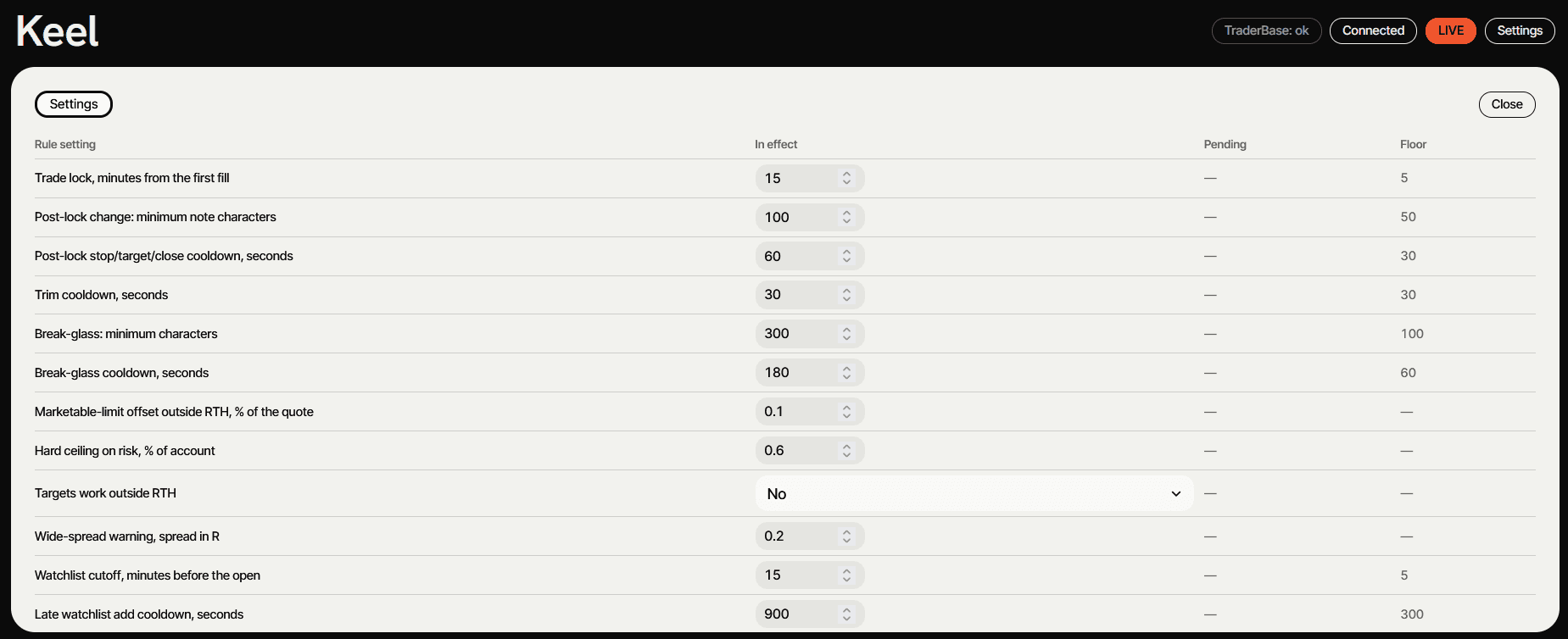
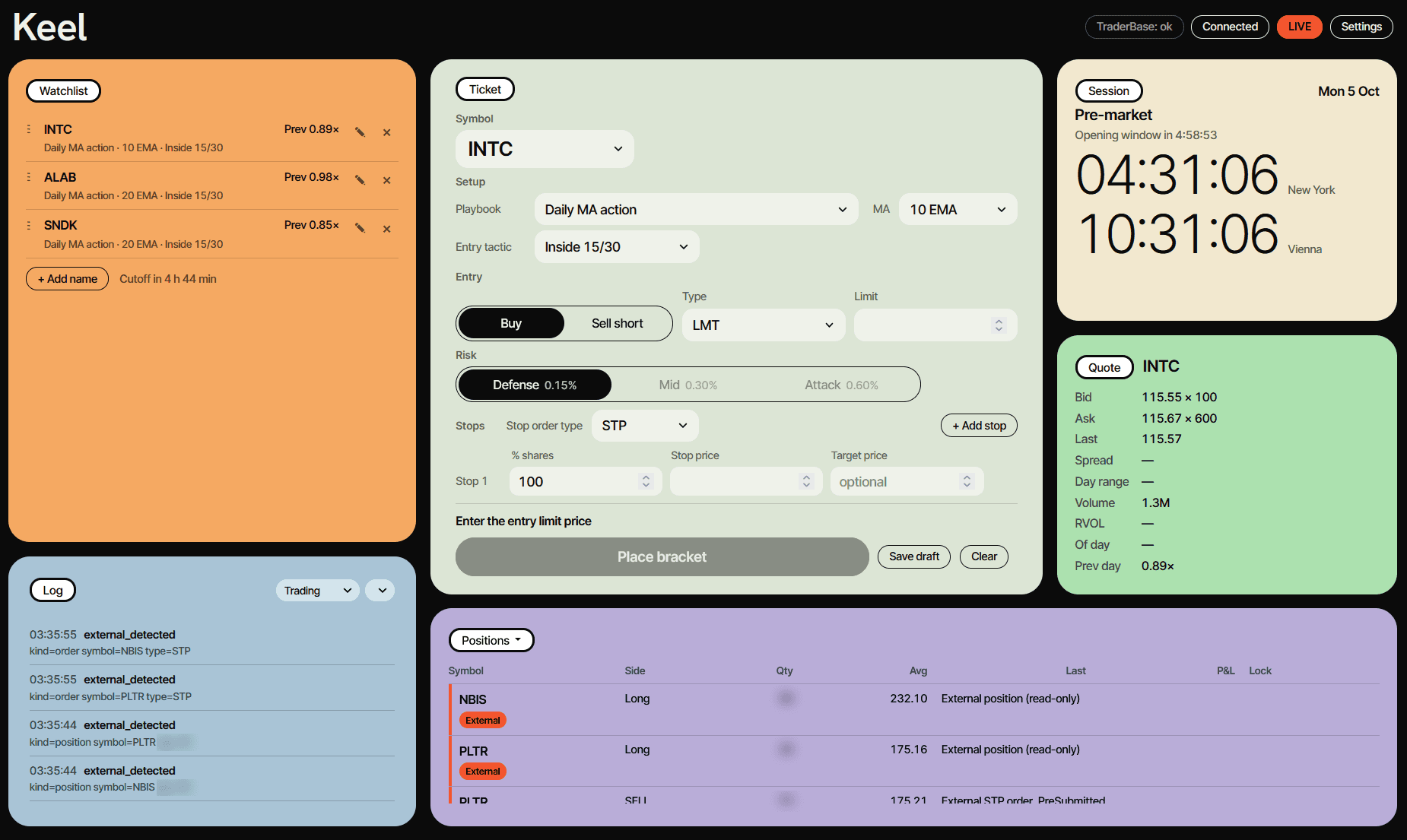
Keel is the order entry desk I built for my own trading on Interactive Brokers. It is designed to slow me down in the right places: every trade goes in as a bracket with its stop attached, risk comes from three preset sizes, and once an order fills the position locks before it can be changed.
Trade lock
A position locks for a set time from its first fill. Changes after that need a written note and a cooldown.
Preset risk
Defense, Mid and Attack sizes, each a fixed share of the account, under a hard ceiling.
Playbook on the ticket
Every order records its setup and entry tactic, and the watchlist closes before the open.
Break-glass
An override exists for emergencies, and it costs a long written reason and a wait.
How it's built
Keel is a Python and FastAPI backend that talks to Interactive Brokers through ib_async, with SQLite for storage and a plain JavaScript front end that needs no build step. All rule logic runs on New York time against the real exchange calendar, including holidays and half days. It runs locally on my trading PC, and the tests concentrate on the time and rules logic.
02
Screens